Making Save It!
I started building Save It! because I kept running into the same annoying problem: students would send me links to their work, and later I’d want to download a copy for teaching, documentation, or marketing. Getting a student to send the actual video file after the fact was often a pain. The link would work, but the file would be somewhere else, or they’d forget, or I’d have to ask again. I wanted a small tool that would let me paste a link, click a button, and get a video file I knew would work on my computer.
The first version came together very quickly—maybe 20 or 25 minutes. That part was exciting. I had an idea, described it, and suddenly I had a working prototype. It felt like adding another instrument to a one-person band. I could imagine the tool I wanted, and the AI assistant could help me build the parts I didn’t know how to build. But that metaphor cuts both ways.
If I add a new instrument to the band, I still have to learn enough about the instrument to make music with it.
That was the part I hadn’t fully anticipated.
I know exactly what I want in some areas. When it comes to visual design, I can be extremely specific. I know the colors, typography, spacing, proportions, corner radii, and how a mockup is supposed to translate into an interface. When I supplied the Save It! mockup, I expected it to be treated as a specification. Instead, the design drifted through several interpretations before it got close to what I had actually shown. Elements were added or rearranged, the interface carried extra space, the typography was approximated instead of matched, the logo and icon assets were handled in ways I hadn’t asked for, and the overall layout kept getting adjusted instead of simply being reproduced. I had to keep narrowing the gap between “this is the direction” and “this is the exact reference.”
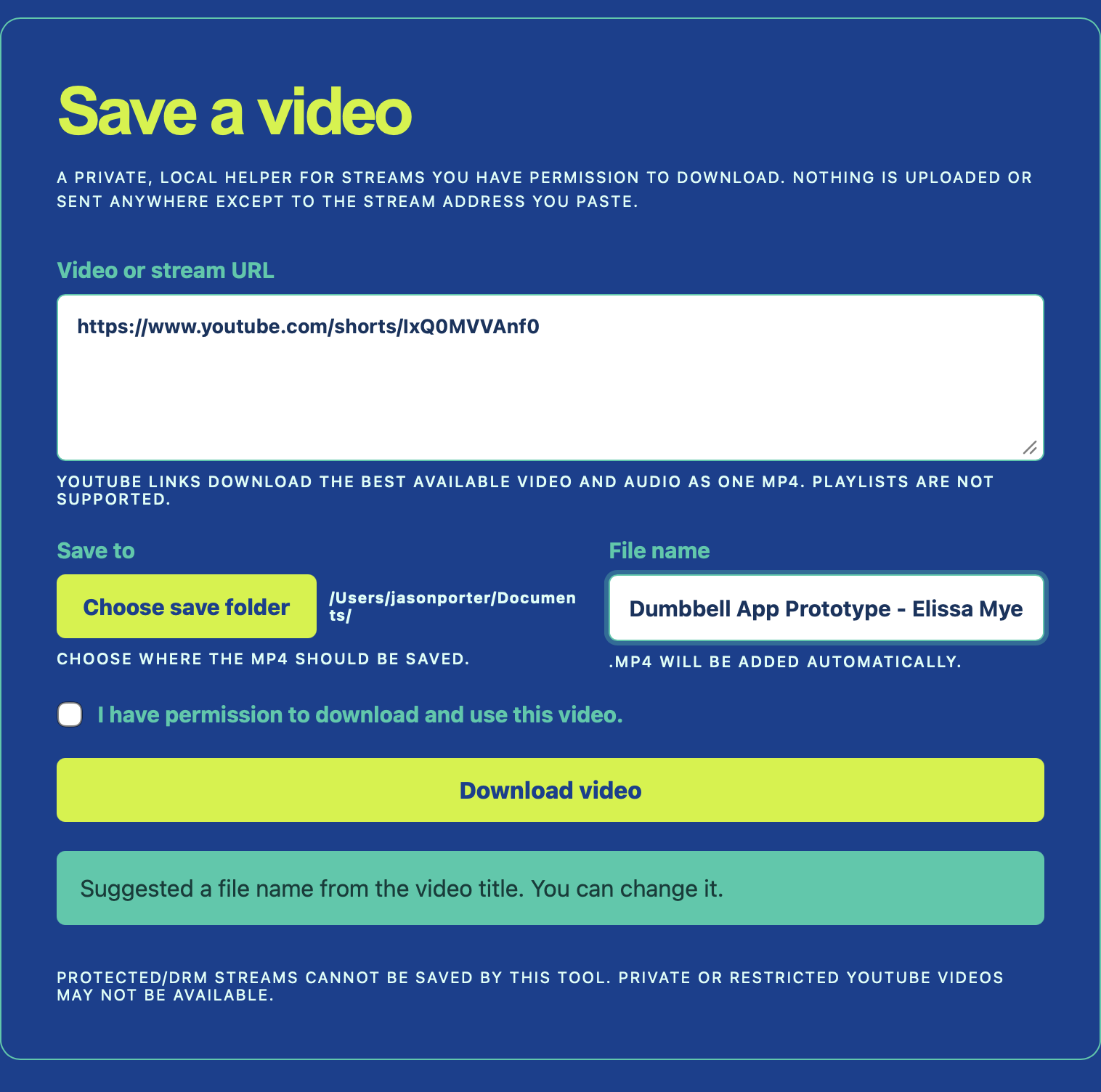
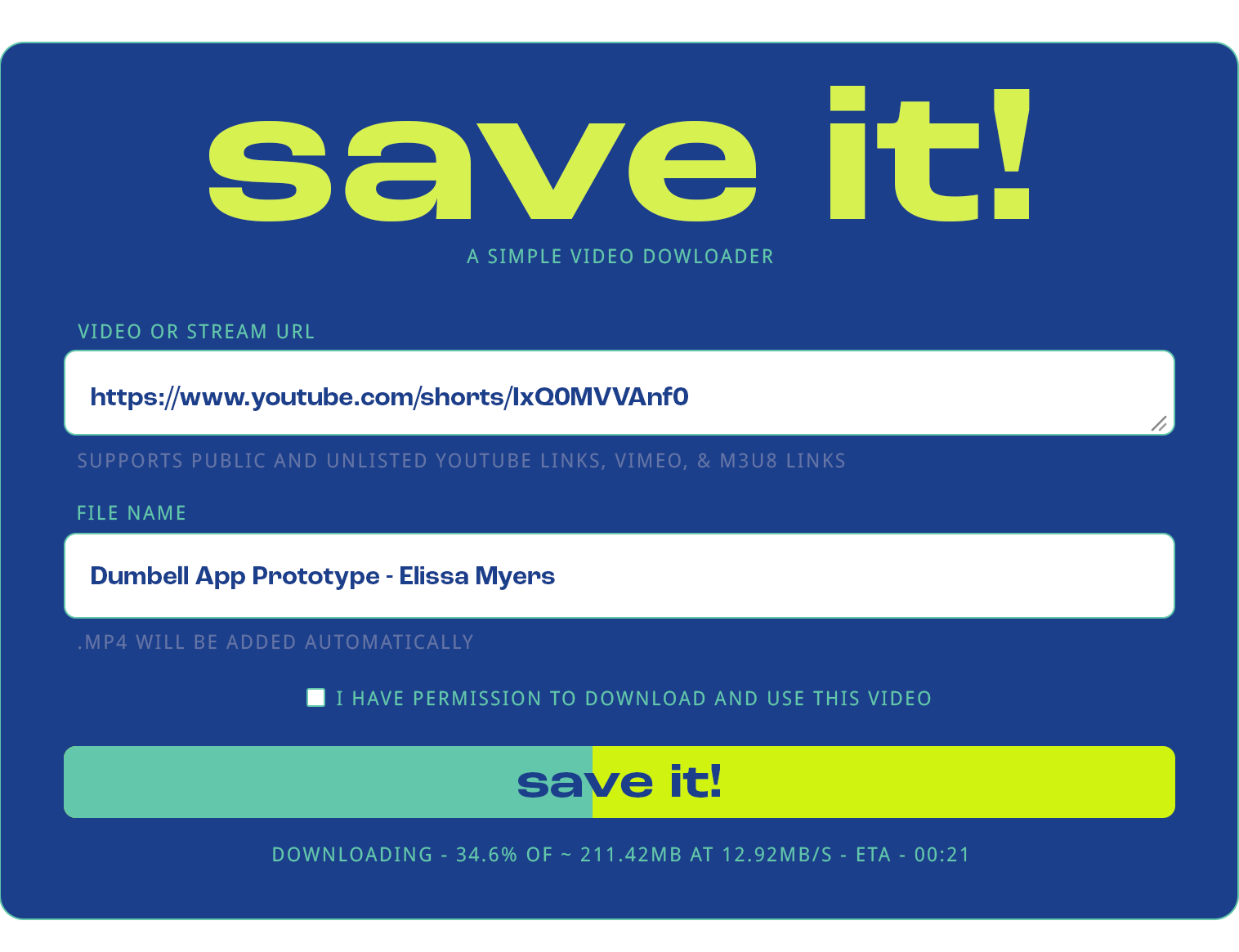
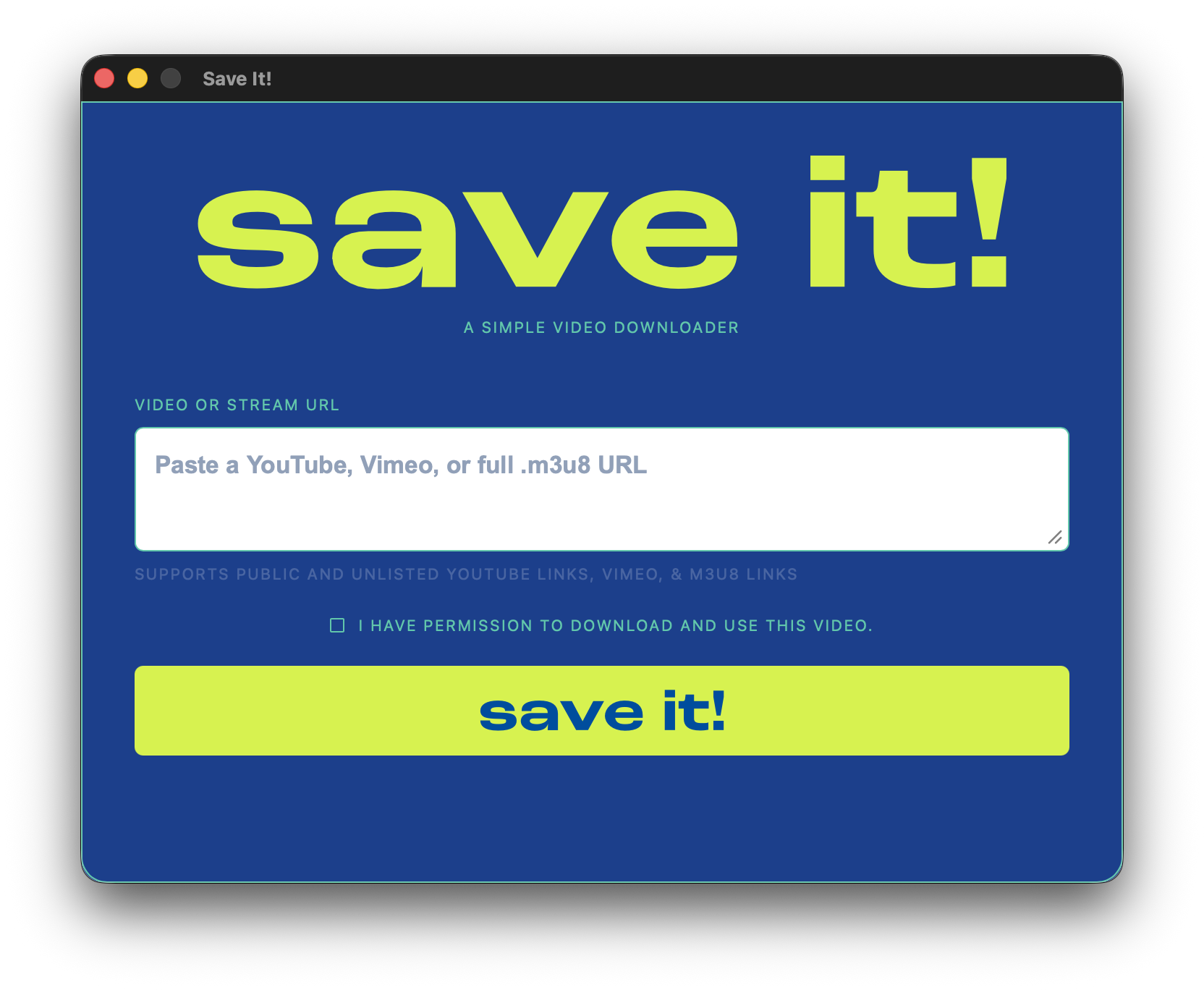
Early build · Mockup · Final build
The design progression is a useful record of that negotiation. The mockup became the reference point for resolving the visual drift between what I described and what the AI initially produced.
Other parts were completely outside my experience. I had to learn that because I was developing on macOS 27.0 Golden Gate, I needed to think about compatibility with older versions of macOS. I had not even considered that I was effectively building on a beta operating system. I had to learn about deployment targets, Apple Silicon, Intel compatibility, app bundles, DMGs, signing, notarization, and the difference between something that works on my computer and something that can be handed to someone else.
That is one of the strange things about working with an AI coding assistant. The assistant knows about all of these systems, so it is easy to move quickly down a path without realizing how much I don’t know about the path itself. Then suddenly I’m looking at a blank app icon, a broken installer, or an MP4 that contains audio but no usable video, thinking: What the hell is this?
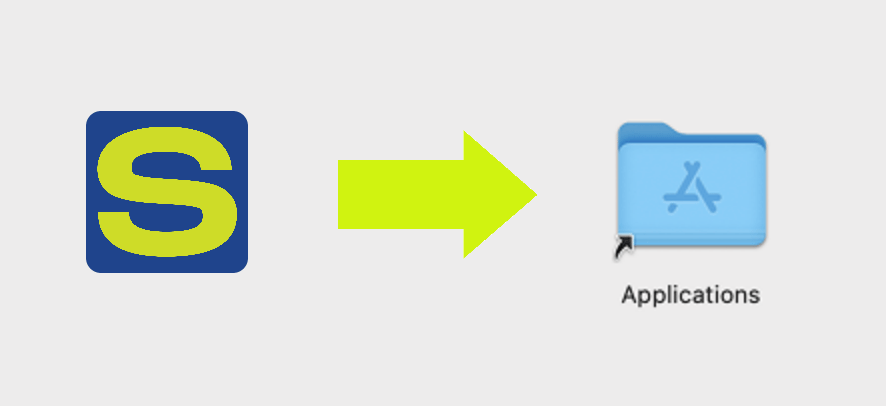
Sometimes the assistant made that worse by choosing a more complicated solution than the problem required. The installer arrow is a good example. I wanted a transparent arrow image between the app and the Applications folder in the DMG. That is conceptually just an image. Instead, the assistant temporarily turned the arrow into a fake app bundle. That created a folder-like object instead of the simple artwork I wanted. The eventual solution was much simpler: use the transparent PNG as the DMG background.
That pattern showed up repeatedly. I would ask for a straightforward thing, and the implementation would drift toward something more elaborate. I often had to stop and say: make this easier, not fancier. Do the simplest thing that works.
The technical problems were also useful because they exposed hidden layers of the project. YouTube Shorts initially downloaded as tiny MP4 files that played audio but not video. The issue turned out to be a codec problem: the downloader was selecting VP9 video and Opus audio, then placing them into an MP4 that QuickTime didn’t know how to play properly. The solution was to let the app accept whatever formats were available and then normalize them to H.264 video and AAC audio.
The campus network introduced another layer. YouTube itself worked, but the actual media CDN timed out. The same download succeeded immediately over my phone’s hotspot. That made the distinction between “I can watch the website” and “the app can reach the actual video stream” much more concrete.
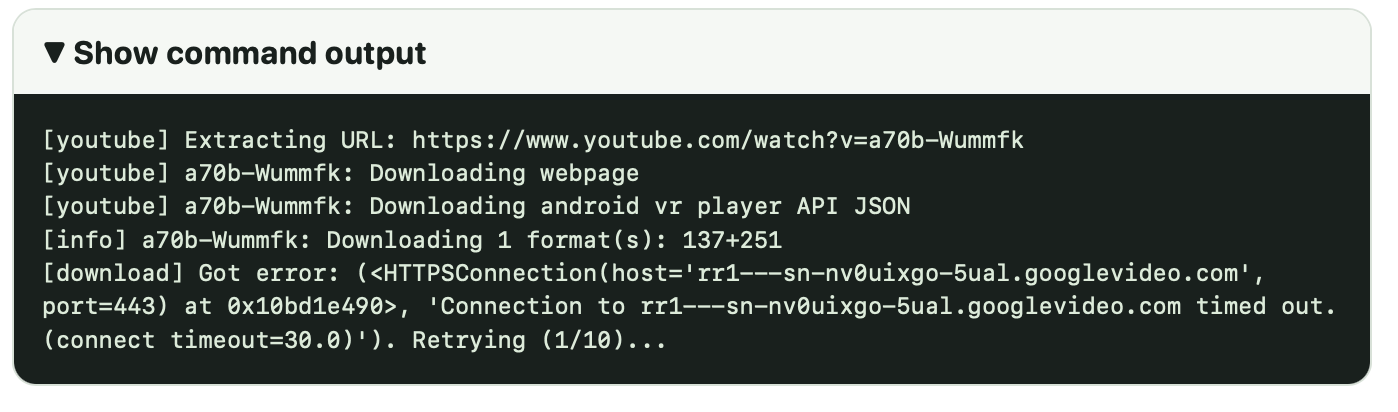
By the end, the app had retries, resume behavior, cleanup for partial files, codec conversion, network diagnostics, cancellation, dependency installation, a fixed-size interface, and a DMG installer. The minimum viable tool was fast. The dependable little application took several more hours—probably three to three and a half hours total—of design adjustments and debugging.
I was also paying attention to usage while doing this. I was working with GPT-5.6 Luna Medium, partly because the model choice becomes its own balancing act. The 5.6 Sol and Terra models are excellent, but Sol used up my five-hour allotment in less than an hour, which makes it difficult to use for ordinary day-to-day work. My experience has been that 5.5 gives me more room, but it isn’t as capable for this kind of coding and debugging. Luna Medium felt like a more workable middle ground. At one point, the interface showed approximately 104,000 tokens used out of 256,000—about 40 percent used with 60 percent remaining. The credit counter displayed zero, and I still don’t know whether that reflects a university limit, a rolling usage window, or a separate billing system. So part of this process was also managing the tradeoff between model quality, available usage, and cost.
That may be the biggest thing I’m taking away from the project. AI makes it possible to work like a one-person band, but it does not remove the need to understand the instruments. It lets me get farther before I know what I don’t know. That is powerful, but it also means I need to set boundaries early: follow supplied visual references exactly, prefer the simplest implementation, explain tradeoffs before adding complexity, and pause when a solution starts becoming more elaborate than the problem.
Save It! is now a useful tool. More importantly, it became a small lesson in what it means to build with an AI assistant: moving quickly, learning as I go, and occasionally having to pull the assistant back from solving a much bigger problem than the one I actually asked about.